



1May
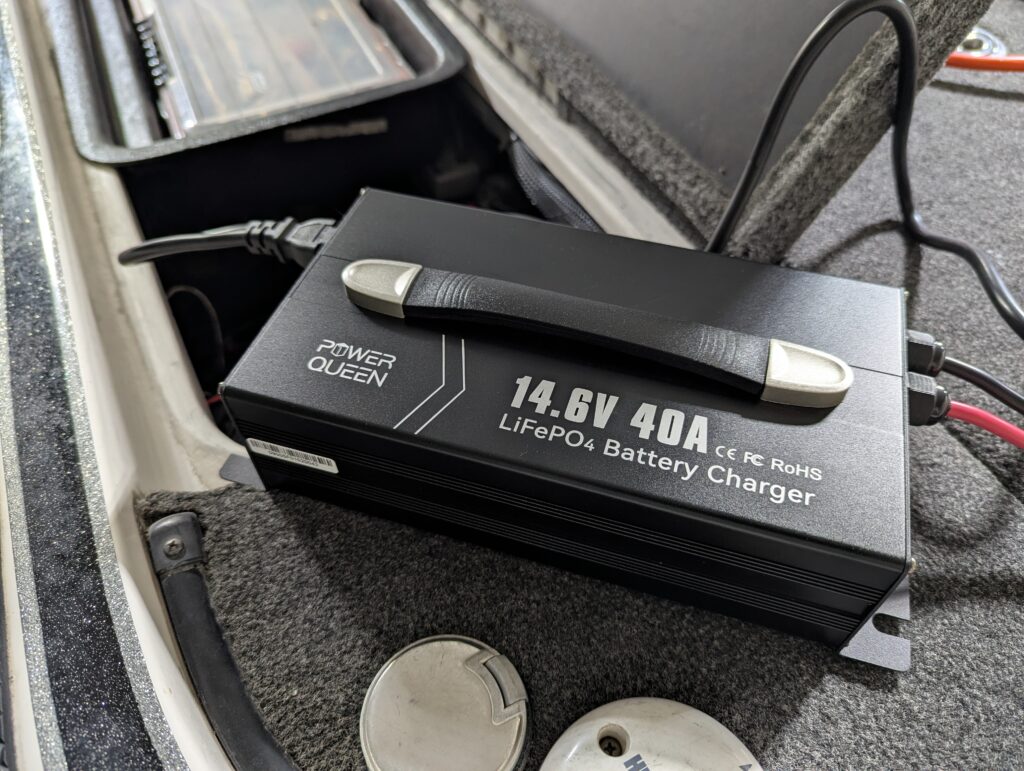
リチウムバッテリーを使い切ると、BMSがシャットダウンして使えなくなってしまいます。
これを復活させるには、生きているバッテリーと繋いでジャンプスタートさせる方法がまず1つ。
あとは最近増えてきた、BMSリセット機能を持ったチャージャーを使うのも便利ですよ!
If your lithium battery fully discharged, the inside Battery Management System will shut down.
To recover it, jump-start it by connecting to another live battery.
Using the charger with “BMS Reset” function is also a good way to fix it.
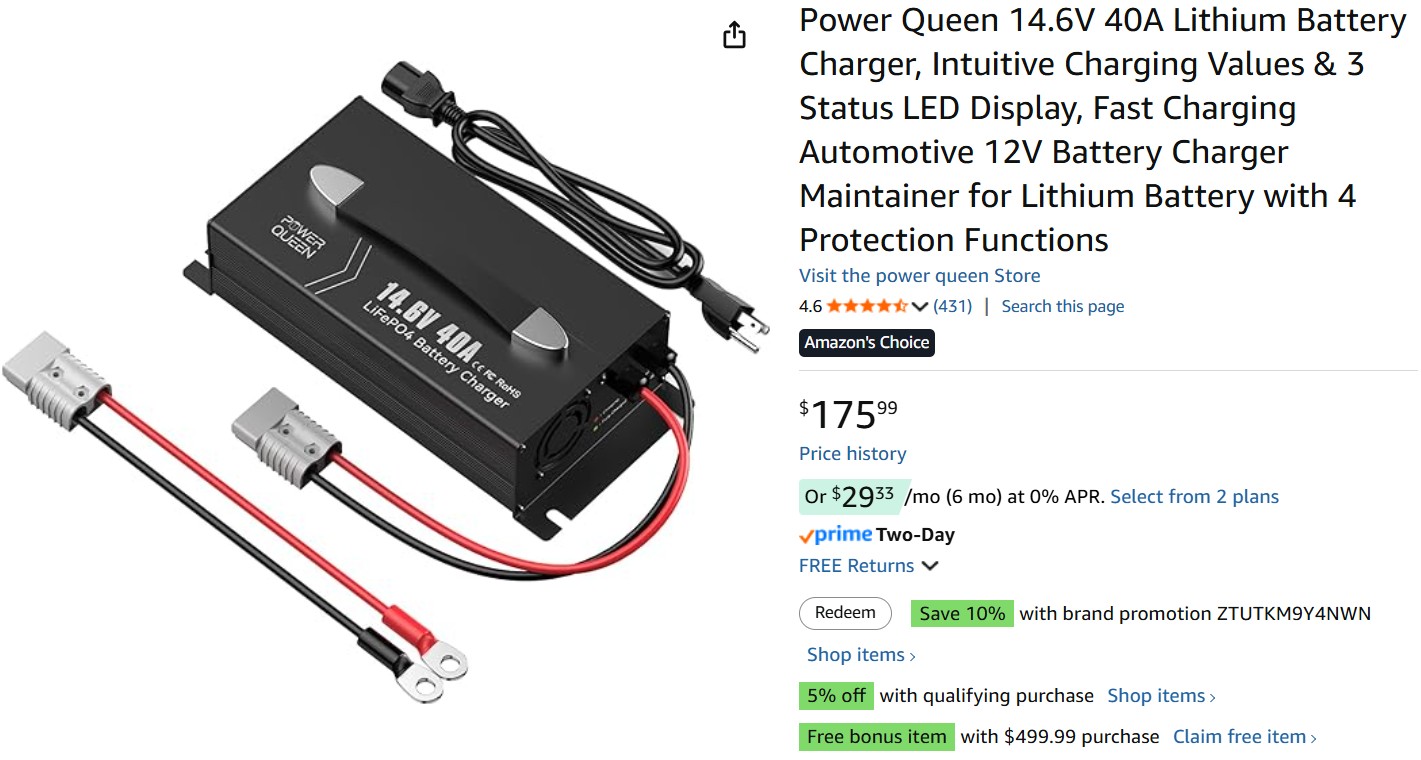
ちなみにいつも使ってる充電器じゃ駄目なの?と思われるかもしれませんが・・・
スマートチャージャーの多くは、BMSが落ちていると0Vと認識され充電が始まらないのです。
なので短時間だけ、あえて鉛用の充電器を繋いでウェイクアップさせる裏技もありますね!
Ordinary smart chargers for lithium batteries will detect the low voltage of the battery, and won’t start charging.
So, connecting it to a traditional charger for lead/AGM for a short period is another tip for resetting the BMS.

※ぜひFacebookページへのいいね!& twitter・Instagramのフォローをよろしくお願いします。
関連記事
-

:[HM,IM,DELTA] ノースフォーク・ブランクの素材比較
2023.10.30
-

[LVS34→62] ライブスコープ振動子の入れ替え
2023.07.10
-

:[S] トレーラーの板バネは致命傷になるらしい
2017.03.10
-

あえて5色PEを使う理由
2025.01.08
コメント
この記事へのトラックバックはありません。

![:[M] 究極の???ミドストw](https://i0.wp.com/deeepstream.com/wp-content/uploads/2026/04/turtle.jpg?resize=40%2C40&ssl=1)


![:[保存版] あなたのFGノットがすっぽ抜ける原因](https://i0.wp.com/deeepstream.com/wp-content/uploads/2020/03/IMG_20200317_114155-1.jpg?resize=40%2C40&ssl=1)
![[D] 最強ノット、"パロマーノット"の落とし穴](https://i0.wp.com/deeepstream.com/wp-content/uploads/2016/08/91bfb917ec2c3d16e3dcad64bb195f3b.jpg?resize=40%2C40&ssl=1)
この記事へのコメントはありません。